
Technical SEO Guide is the foundation of your website’s search performance. Without strong technical optimization, even high-quality content and backlinks cannot achieve top rankings.
👉 Not ranking on Google despite great content? Hidden technical issues like crawl errors, slow speed, and indexing problems could be silently hurting your visibility and traffic.
This pillar guide covers everything you need—from basic concepts to advanced strategies—to help your website rank higher, load faster, and convert better.
📌 SEO Keyword Strategy
- Focus Keyword: Technical SEO Guide
- Secondary Keywords: technical SEO checklist, website technical SEO audit, SEO technical optimization, improve website performance SEO, technical SEO best practices
What is Technical SEO?
Technical SEO is the process of optimizing your website’s infrastructure so search engines can efficiently crawl, index, and rank your pages.
Why It Matters
- Improves crawlability and indexing
- Enhances user experience
- Boosts search rankings
- Supports long-term SEO success
How to Implement
- Perform technical SEO audits
- Fix crawl errors and broken links
- Optimize site speed and Core Web Vitals
- Improve internal linking structure
Example
A SaaS company reduced page load time and fixed crawl issues, leading to a 50% increase in organic traffic within 3 months.
Tools
- Google Search Console
- Screaming Frog
- Ahrefs Site Audit
Technical SEO Audit: Step-by-Step Framework
A technical SEO audit identifies issues that prevent your website from ranking effectively.
Steps to Perform Audit
- Crawl your website using Screaming Frog
- Check indexing issues in Google Search Console
- Analyze page speed and Core Web Vitals
- Review mobile usability
- Fix duplicate content and canonical issues
- Audit internal linking
Example
A business audit revealed 300+ broken links and indexing issues, resulting in a 60% traffic increase after fixing them.
Tools
- Google Search Console
- Screaming Frog
- PageSpeed Insights
Website Crawling and Indexing Optimization
Definition
Crawling is how search engines discover pages, and indexing is how they store those pages.
Why It Matters
If pages are not indexed, they will not appear in search results.
How to Implement
- Submit XML sitemap
- Fix crawl errors
- Use robots.txt correctly
- Apply canonical tags
Example
Fixing indexing issues helped a startup increase impressions by 70%.
Website Speed and Core Web Vitals Optimization
Definition
Website speed measures loading performance, while Core Web Vitals evaluate user experience metrics.
Why It Matters
- Google ranking factor
- Improves user engagement
- Reduces bounce rates
How to Implement
- Optimize images
- Use CDN
- Minify CSS/JS
- Enable caching
Example
Improving speed increased conversion rates by 30% for an eCommerce website.
Site Architecture Optimization
Definition
Site architecture defines how pages are structured and linked together.
Why It Matters
- Improves crawl efficiency
- Enhances user navigation
How to Implement
- Use flat structure
- Ensure logical hierarchy
- Improve internal linking
Example
Optimizing site structure improved crawlability and indexing speed.
URL Structure Best Practices
- Keep URLs short and descriptive
- Include keywords naturally
- Avoid unnecessary parameters
Technical SEO Tools Comparison
| Tool | Purpose | Best For |
|---|---|---|
| Google Search Console | Indexing & performance | Beginners |
| Screaming Frog | Website crawling | Advanced audits |
| Ahrefs | SEO analysis | Comprehensive insights |
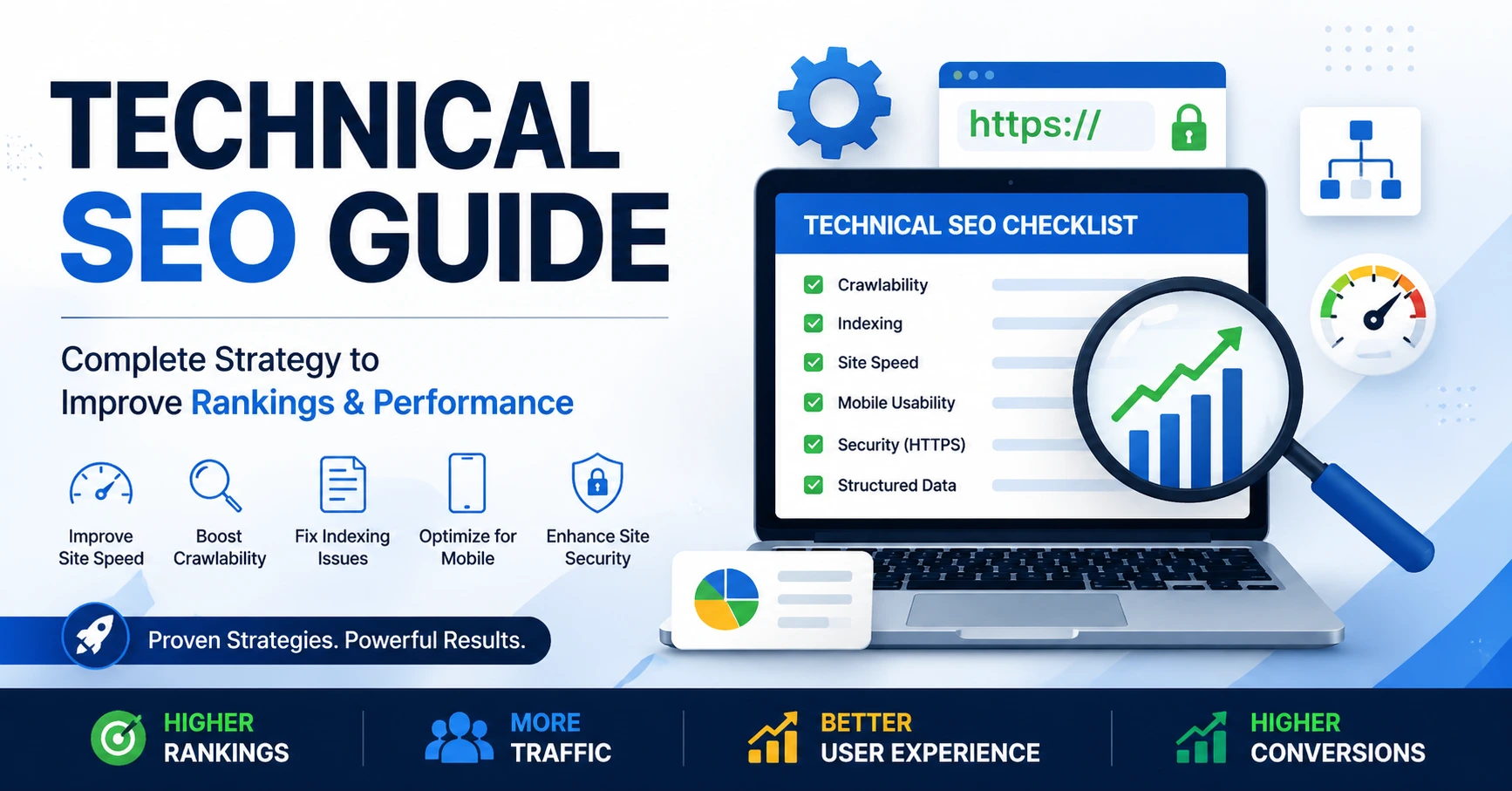
Technical SEO Checklist (Advanced)
- Fix crawl errors
- Optimize indexing
- Improve page speed
- Ensure mobile responsiveness
- Optimize site structure
- Implement schema markup
- Secure site with HTTPS
- Improve internal linking
- Optimize Core Web Vitals
- Fix duplicate content
Common Technical SEO Mistakes
- Ignoring crawl issues
- Slow loading pages
- Duplicate content
- Poor mobile design